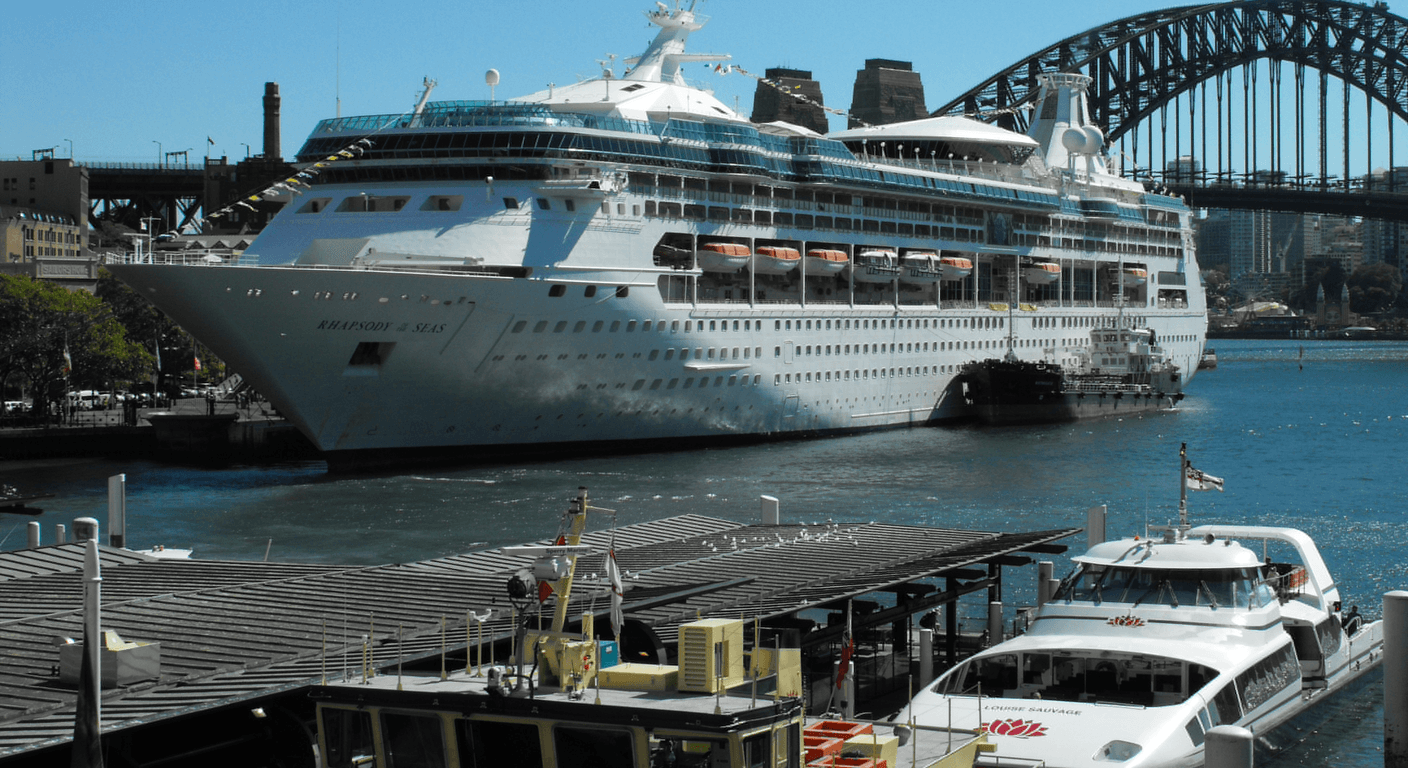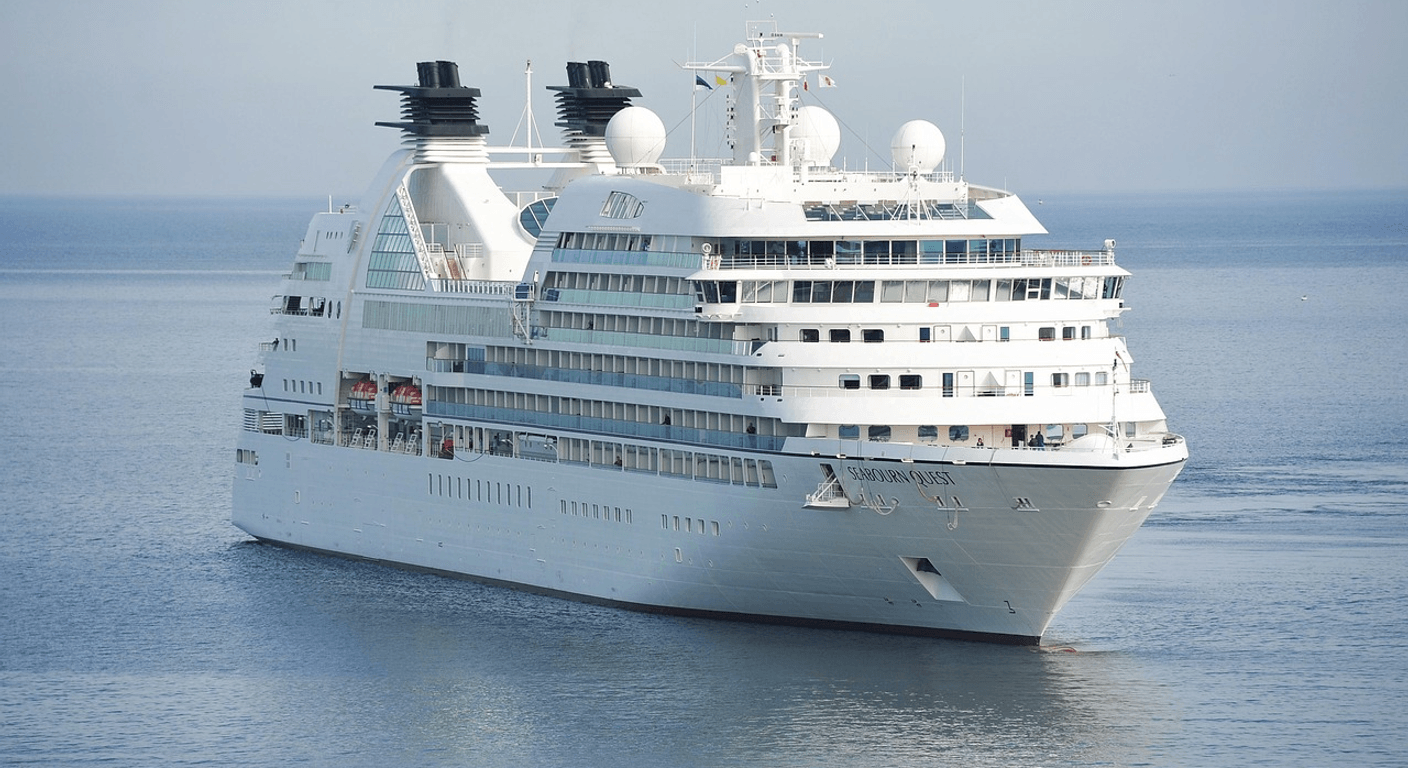
A cruise ship tracker is a free website or app that shows a vessel's live position using its AIS transponder signal. Over-50s can use one to check a ship is on schedule before embarkation, and to let family follow along. Data can lag and is not an official notice. Rated Easy. Confirm changes with the cruise line or agent.
What is a cruise ship tracker, and how does it work?
Most large ships carry an AIS transponder. AIS stands for Automatic Identification System. It broadcasts the vessel's identity, position, speed and heading so other ships can avoid it. Shore stations and satellites pick up those signals, and tracking websites turn them into dots on a map.
You search by the ship's name, tap the dot, and see where it is, how fast it's moving and often its stated destination. That's the whole trick. No login is needed for the basics.
Think of it as a window, not a notice board. It shows what the ship is doing. It doesn't tell you why, and it doesn't tell you what the cruise line plans to do next.
How can you use a tracker before embarkation?
The most practical use is the week before you leave. Look up your ship and see where it actually is. If it's meant to be finishing the previous voyage in Sydney or Fremantle and the dot is sitting somewhere unexpected, that's a prompt to ring your agent, not to panic.
Check again the day before, and on embarkation morning. A ship berthed at the right terminal, with a position that matches the schedule, is a quiet reassurance. If you've flown interstate to join it, that peace of mind is worth a few minutes. Flight changes and hotel nights cost real money.
Save the ship's name, its IMO number if the tracker shows one, and the cruise line's contact number in your phone. Keep your agent's after-hours number too. Don't rely on the tracker's screen to tell you where to turn up. Your boarding documents and the cruise line's own messages do that.
What can a tracker tell you about delays and changes?
A tracker can hint at trouble. A ship moving slowly, holding off a port, or heading somewhere that isn't on your itinerary may be dealing with weather, a late berth or a changed plan. Seasoned cruisers often spot these signs hours before an email arrives.
But a hint isn't a fact. Ships slow for all sorts of routine reasons, from pilot boarding to tidal windows. The stated destination field is typed in by the crew and is often out of date or abbreviated.
So treat any oddity as a reason to ask questions. Contact the cruise line or your travel agent directly, and ask for the change in writing. Compensation, rebooking and insurance claims depend on official notices, not on a screenshot of a map.
How can family at home follow along?
This is where trackers earn their keep for couples. Send your children or grandchildren the ship's name and the link to its tracker page. They can watch the dot cross the Bight or tuck into a Pacific island without a single phone call.
Set expectations first. Tell them the map can lag, that the ship may be out of range of shore stations for stretches, and that a quiet dot isn't an emergency. Agree a simple rule: if the family has a genuine concern, they ring the cruise line's emergency contact, not each other in a flurry.
A couple's perspective: one partner often becomes the designated tracker-watcher at home or on the ship's Wi-Fi. A solo traveller's perspective: a tracker link shared with a trusted contact is a low-key safety net, but it's no substitute for telling someone your itinerary and check-in times. Ship Wi-Fi can be pricey (often a daily fee, so confirm current rates), so don't count on being online.
What are the limits of public tracking data?
Public data is patchy at sea. Coverage depends on shore stations and satellite passes. In remote stretches the position may be minutes or hours old. Some ships also switch off or limit transmissions, and a few apps show only a delayed free feed.
The data is not an official statement. It won't tell you about a cancelled port call, a tender-only stop, a medical diversion or a changed disembarkation time. The cruise line decides and announces those through its own channels.
There's a privacy angle too. Anyone can look up the ship, so don't post your cabin number or exact travel dates alongside the link on social media. Share it privately with people you trust.
Who should you confirm changes with?
Always the cruise line or your travel agent. Both have the authority to confirm itinerary changes, new embarkation times and your options if a sailing is altered. Ring the number on your booking, not one from a search result, and keep notes of who you spoke to and when.
If you booked through an agent, they're often your best first call. A good one will chase the line, rebook transfers and flights where possible, and tell you what your travel insurance expects. If you booked direct, use the cruise line's official app or booking portal.
Check your travel insurance policy for cover on missed embarkation, delays and itinerary changes, especially with pre-existing medical conditions. Confirm the terms before you go, not after.
Quick planning guide
| Ideal pace | Check the ship a few days out, again the day before, and on embarkation morning |
|---|---|
| Best months | Year-round; most useful during Australian cruise season (roughly October to April) and around storm or cyclone periods |
| Suggested stay | Not applicable; this is a planning habit, not a destination |
| Mobility level | Easy; a phone, tablet or computer is all you need |
| Cost level | Free for basic tracking; some apps charge for extras (check current pricing with the provider) |
| Comfort level | High; less time spent wondering where the ship is |
| Best for | Couples and solo cruisers who like to know what's happening, and families waiting at home |
| Main planning consideration | Trackers are unofficial and can lag. Only the cruise line or your travel agent can confirm itinerary changes. |
Key takeaways
- A cruise ship tracker shows a vessel's position using AIS signals, usually free.
- Check your ship the week before, the day before and on embarkation morning.
- Tracker data can lag and is not an official notice.
- An unexpected route or slow speed is a prompt to ask, not proof of a change.
- Confirm any itinerary change directly with the cruise line or your travel agent.
- Share the tracker link privately with family, and agree who to call if they're worried.
Recommended partners and links
Indicative prices only — always confirm with the operator before booking.
Frequently asked questions
What is a cruise ship tracker?
A cruise ship tracker is a website or app that shows a ship's position on a map using its AIS transponder signal. Most basic tracking is free, though some apps charge for extra features.
Is a cruise ship tracker accurate?
It's often close, but not always current. Data can lag, and coverage at sea can be patchy. Treat it as a guide only and confirm anything important with the cruise line.
Can I rely on a tracker to know if my cruise has changed?
No. A tracker isn't an official notice. Itinerary changes must be confirmed by the cruise line or your travel agent, ideally in writing.
How can my family follow my cruise?
Send them the ship's name or a link to its tracker page. Explain that the position may lag, and give them the cruise line's emergency contact in case of real concern.
Should I check the ship before I fly to the departure port?
Yes, it's sensible. Look at the ship's position in the days before, and check the cruise line's official messages. If something looks off, call your agent before you travel.
Want the next guide like this?
Choose your state, the subjects you care about, or both. We will let you know when a new guide lands. Email once a week at most, or a quiet phone notification on the day it publishes. No advertising, no sponsored content, and we never pass your details to anyone.